
QL5 Firmware
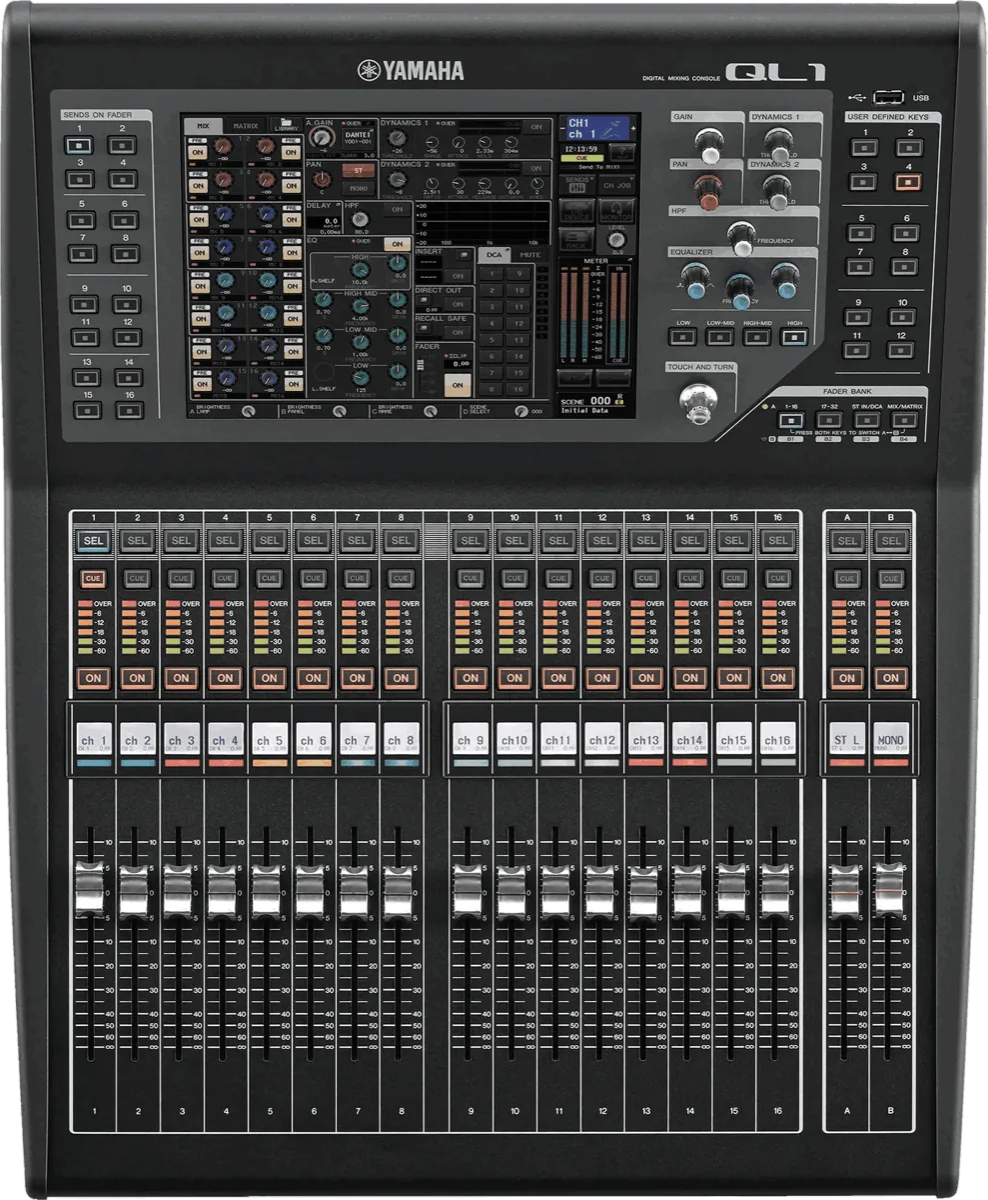
Is your QL5 out of date?
Yamaha QL5 firmware versions
| Version | Download | SHA-256 | Size | Release Date | Source & Archive | Release Notes |
|---|---|---|---|---|---|---|
| v5.9.1 Latest | File not archived yet |
9f5869ea40b0105ca7a79e270edf9c54406a8fe939e34926a99d4fe9c81f2a89
|
21 MB | — |
Original source
Archived 2026-06-17 |
Notes |
About the Yamaha QL
QL1 and QL5, from 2014, bring the CL engine and Dante integration into a smaller frame aimed at corporate AV, houses of worship and mid-sized venues. They add features CL does not have — notably the Dan Dugan automatic mixer — and are updated on the same schedule as the CL series.
How Yamaha ships firmware
Yamaha ships firmware per model family and versions the editor software alongside it — a CL running V5 firmware needs a matching CL Editor. The archive keeps the full version history so you can pair them correctly, or roll back if a venue's show files were built on an earlier release.
Verifying what you download
Every Yamaha QL5 file in this archive lists the SHA-256 checksum recorded the moment we
mirrored it, plus a link to the original Yamaha source URL. Before loading firmware
onto a console, run shasum -a 256 <file> (macOS/Linux) or
certutil -hashfile <file> SHA256 (Windows) and compare it to the value in
the table above. If they differ, do not load the file.
More on how this archive verifies files →
mixerfirmware.com is an independent archive operated by BoxCast — not affiliated with, endorsed by, or acting on behalf of Yamaha. For current products and official support, see Yamaha’s website.
ql5, yamaha ql5
Firmware V5.81-V5.93 supported by Mixing Station Anywhere.
Auto-detect & upgrade with MSA →- Yamaha CL1 v5.9.1
- Yamaha CL3 v5.9.1
- Yamaha CL5 v5.9.1
- Yamaha DM3 v3.0.0
- Yamaha DM3S v3.0.0
- Yamaha DM7 v1.7.5
- Yamaha DM7C v1.7.5
- Yamaha QL1 v5.9.1
- Yamaha TF-RACK v4.56
- Yamaha TF1 v4.56
- Yamaha TF3 v4.56
- Yamaha TF5 v4.56