
Si Impact Firmware
Is your Si Impact out of date?
Soundcraft Si Impact firmware versions
| Version | Download | SHA-256 | Size | Release Date | Source & Archive | Release Notes |
|---|---|---|---|---|---|---|
| v2.2 Latest | File not archived yet |
46a5d4641dc14997ad37e3a39a264970998169f7da34d5aa4610da4d80a0ba70
|
3 MB | — |
Original source
Archived 2026-06-17 |
Notes |
About the Soundcraft Si
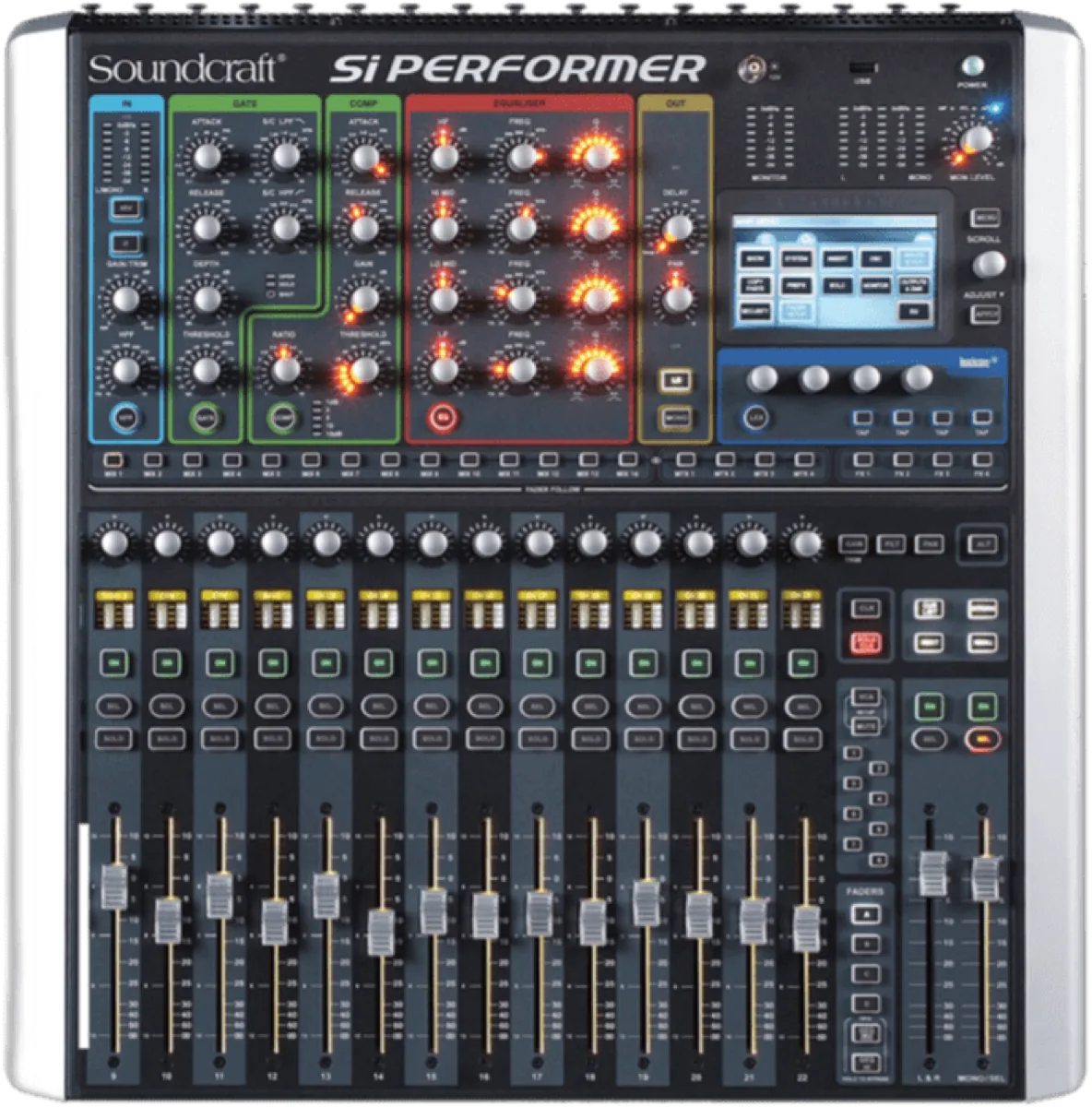
Si Compact, Si Expression, Si Impact and Si Performer put Soundcraft's processing into fixed-format frames for installation, house-of-worship and small-venue work. Si Impact adds a 32-in/32-out USB interface; Si Performer adds DMX lighting control. Firmware is loaded from USB media.
How Soundcraft ships firmware
Ui-series updates are applied through the browser interface itself, while Vi and Si consoles are updated from USB media. Soundcraft rotates older downloads off its support pages fairly quickly, which makes an independent mirror genuinely useful for anyone maintaining an older desk.
Verifying what you download
Every Soundcraft Si Impact file in this archive lists the SHA-256 checksum recorded the moment we
mirrored it, plus a link to the original Soundcraft source URL. Before loading firmware
onto a console, run shasum -a 256 <file> (macOS/Linux) or
certutil -hashfile <file> SHA256 (Windows) and compare it to the value in
the table above. If they differ, do not load the file.
More on how this archive verifies files →
mixerfirmware.com is an independent archive operated by BoxCast — not affiliated with, endorsed by, or acting on behalf of Soundcraft. For current products and official support, see Soundcraft’s website.
si impact, siimpact, soundcraft si impact
Firmware V2.0 supported by Mixing Station Anywhere. See HiQNet guide / limitations
Auto-detect & upgrade with MSA →- Soundcraft Si Compact v3.2
- Soundcraft Si Expression v1.7
- Soundcraft Si Impact V2.0 v2.2
- Soundcraft Si Performer v2.2
- Soundcraft Ui12 v1.0.7548
- Soundcraft Ui16 v1.0.7548
- Soundcraft Ui24 v3.5.8328
- Soundcraft Vi 1 v5.0.0.39
- Soundcraft Vi 1000 v5.0.0.39
- Soundcraft Vi 2 v3.3.1.30
- Soundcraft Vi 200 v5.0.0.39
- Soundcraft Vi 2000 v5.0.0.39